Recorded calls in three steps
Create the meeting
From the LaraIQ console or with one click on an appointment in your CRM. The invite goes out by email or SMS with a calendar file.
Your customer joins in the browser
No app, no account. They consent to recording on the way in, and recording starts as soon as two people are in the room.
The recording reaches the right people
Video, audio and the shared screen are merged into one recording, viewable only by the people your department structure allows.
Screens
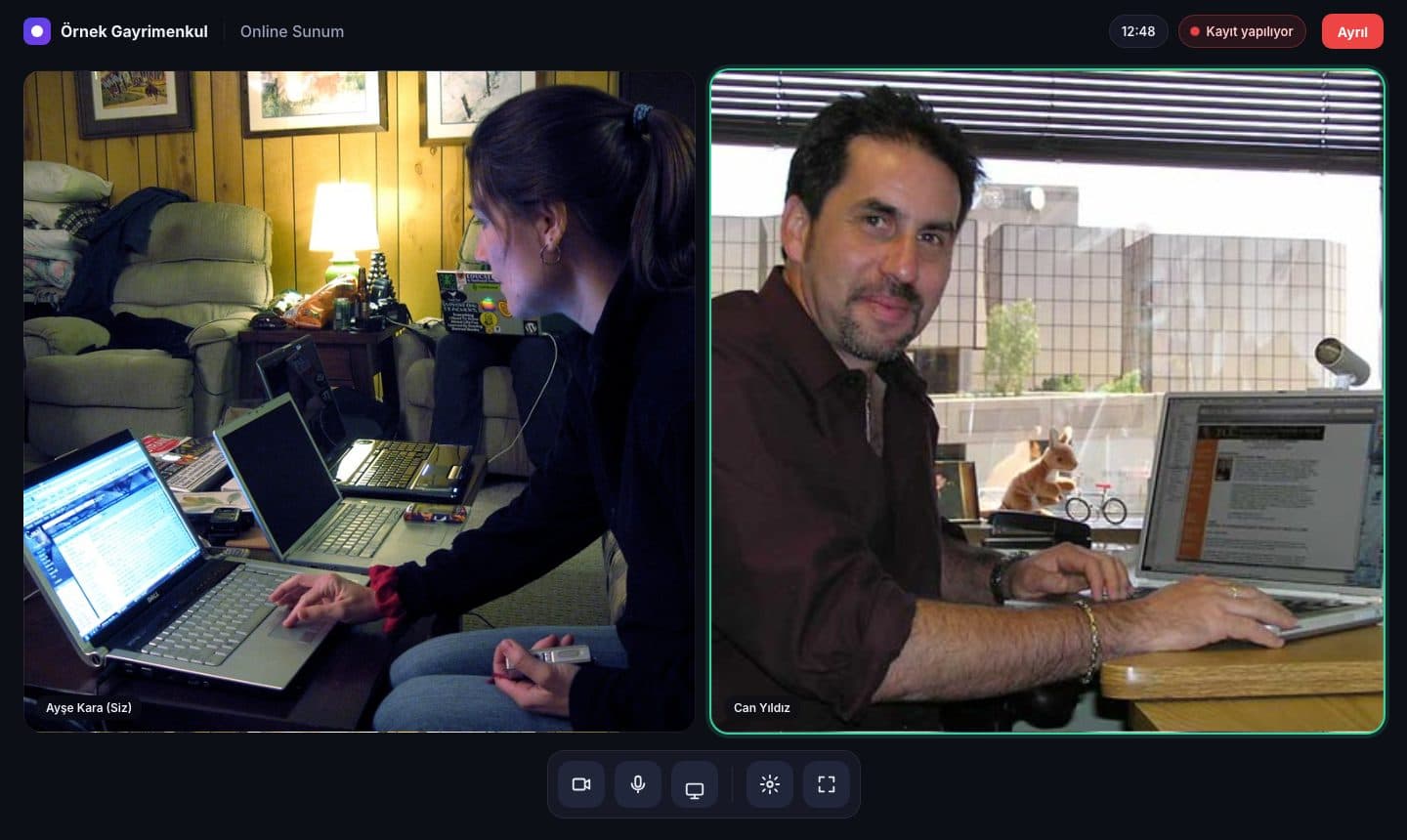
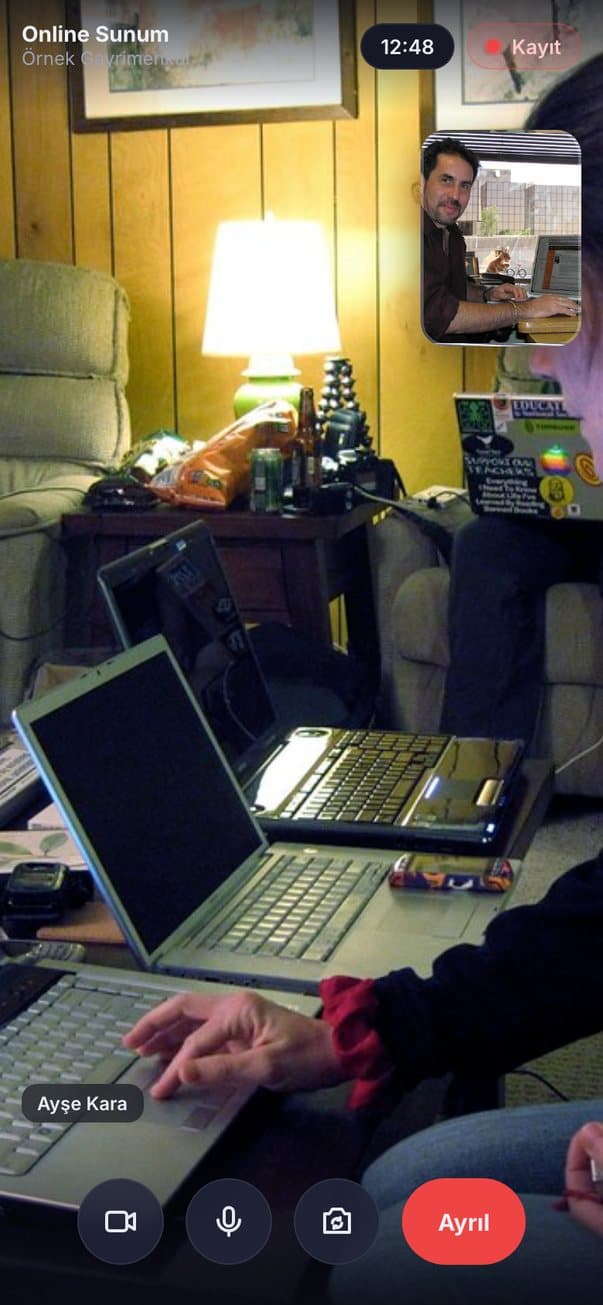
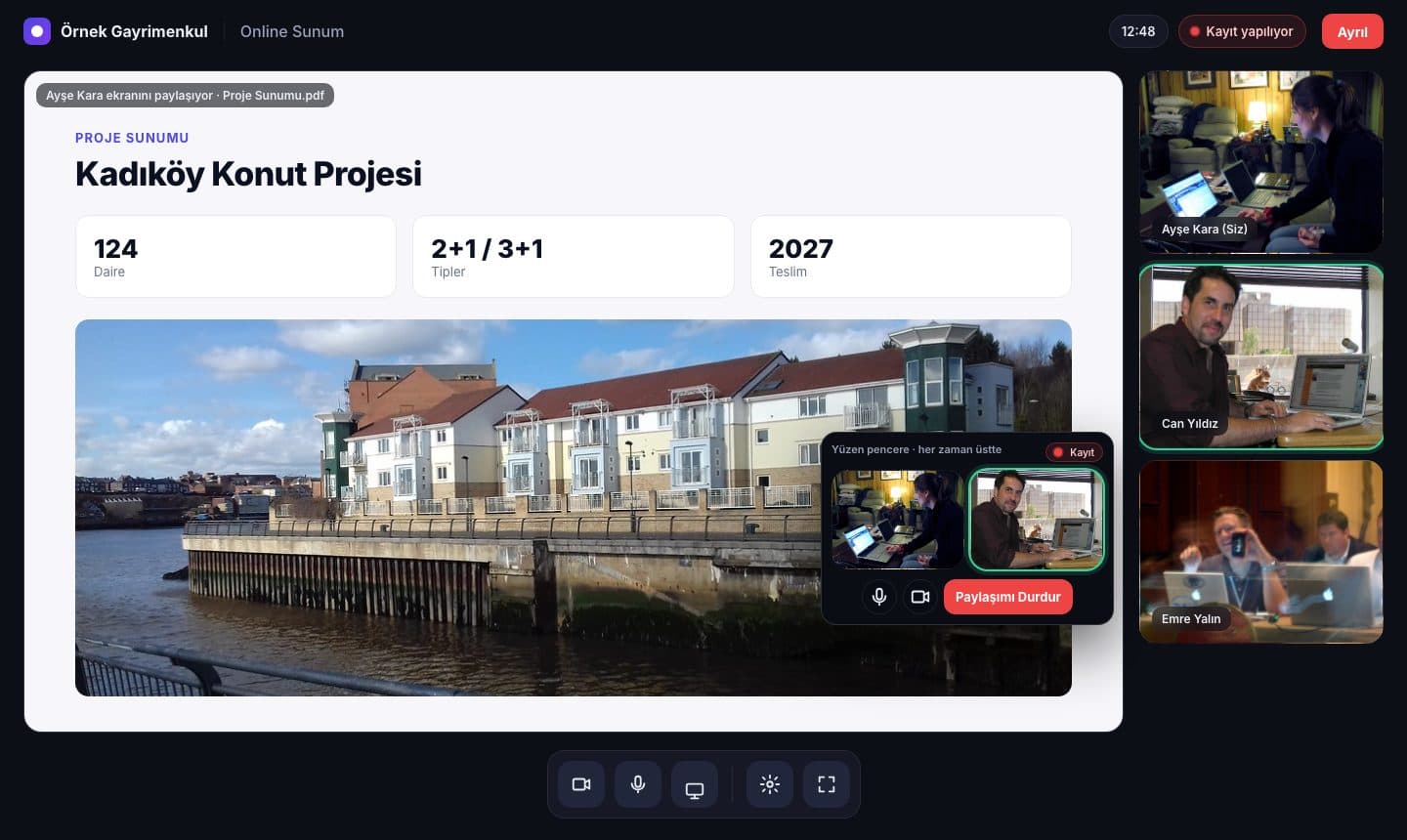
The meeting room and the management console. Images come from the product design mockups with sample data.
Everything sales calls need, in one place
Video calls, no install
Works in desktop and mobile browsers. Screen sharing, a floating window while you present and a room styled with your brand.
Automatic, uninterrupted recording
Recording starts by itself and cannot be stopped or deleted. Participant consent and its time are stored, and a recording indicator stays on screen.
Viewing rights by team
A department tree as deep as you need: region, office, team. Managers view their own team's recordings, and every view is logged.
Storage in your own cloud
Keep recordings in LaraIQ or in your own Amazon S3 or Google Cloud Storage account.
API, webhooks and MCP
Open meetings from your CRM, get a signed webhook when a recording is ready and connect AI assistants over MCP. Users and departments stay in sync.
Website call button
A visitor enters their name and phone, every available salesperson's phone rings at once and the first to answer takes the call.
Keep your call data in your own cloud
Choose the storage model that fits your organisation.
Cloud
Recordings are stored on LaraIQ's infrastructure. Your organisation sets the retention period; nothing to install.
On-Premise
Recordings and call data stay in your S3 or GCS account and in a connector running on your infrastructure. Only the call ID and duration are written to LaraIQ.
AI analysis with Duet
Once a recording is ready it can be sent to Duet for a transcript, a quality score and a report.
Who is it for?
Real estate
Teams whose agents present projects and homes online, with sales offices reviewing the recordings.
Insurance and finance
Sales and agent teams that must keep a record of customer calls and control who can view them.
Consulting
Consulting firms that meet clients on video regularly and want those calls on record.
Your industry is not listed? Write to us and we will take a look together.
Frequently asked
No. Your customer joins from the browser with the invite link and does not create an account. Desktop and mobile browsers are supported.
No. Recording starts as soon as two people are in the room and cannot be stopped or deleted from the interface or the API. Participants consent on the way in and the consent time is stored.
The people your department structure allows. A manager views the recordings of their own department and the teams below it, and every view is logged.
Two options: on LaraIQ's infrastructure in Cloud mode, or in your own Amazon S3 or Google Cloud Storage account in On-Premise mode.
LaraIQ is offered as a monthly or yearly subscription per organisation. Plans differ by number of users, call minutes and storage. Get in touch for a quote.
LaraIQ is coming soon. Get in touch now and we can plan the setup for your team in advance.
Let's talk about LaraIQ for your team.
Get in touch about plans, storage models and integrations.
Get in touch